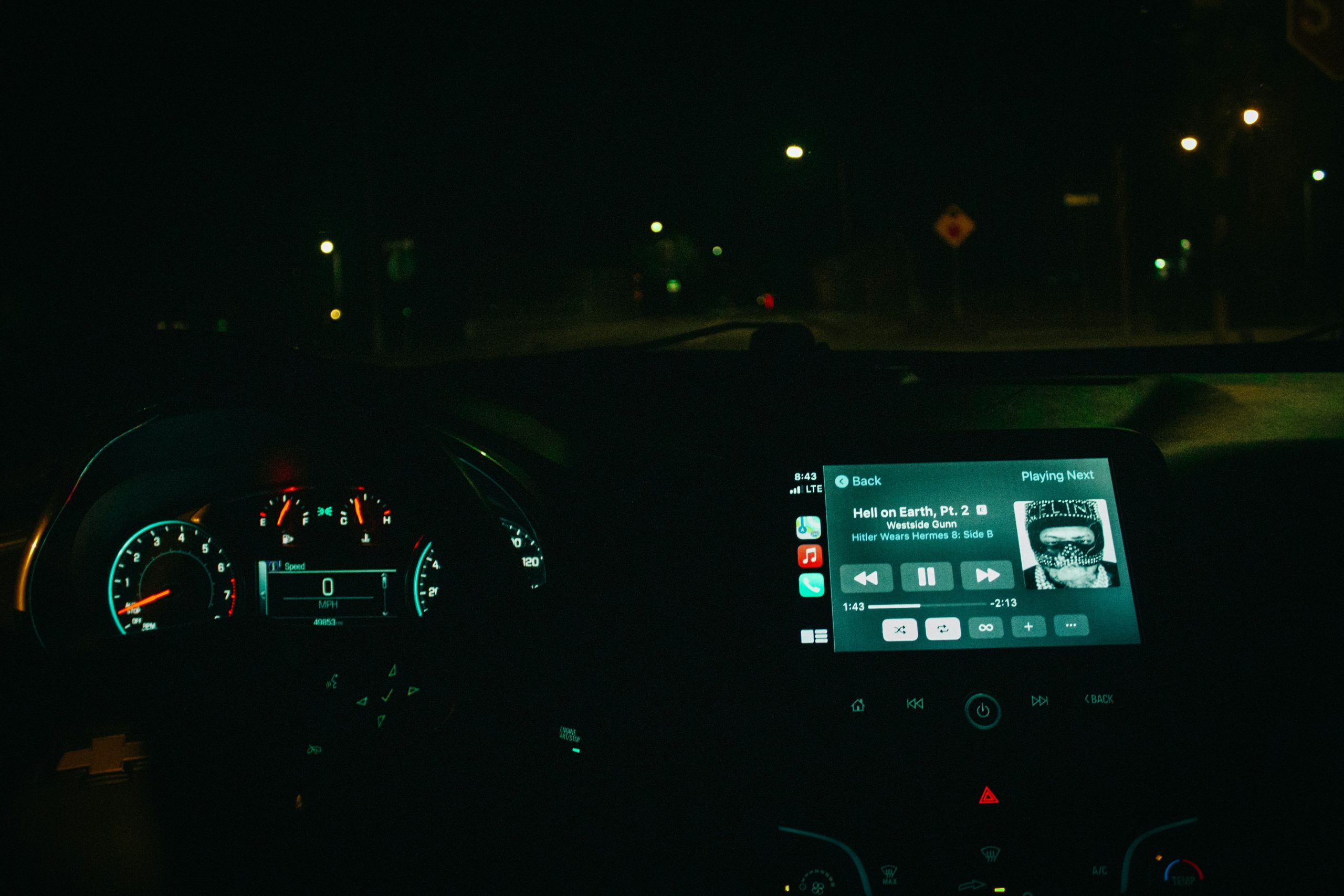
Choosing between Apple CarPlay and Android Auto is simple: match the system to your phone, your favorite apps, and your driving habits. If your car only supports wired connections, a wireless adapter or AI box from Ottocast can upgrade your setup without replacing the head unit.
What Are Apple CarPlay and Android Auto?
Both systems mirror key phone apps on your car’s infotainment screen, letting you navigate, call, message, and play music with fewer distractions.
Apple CarPlay
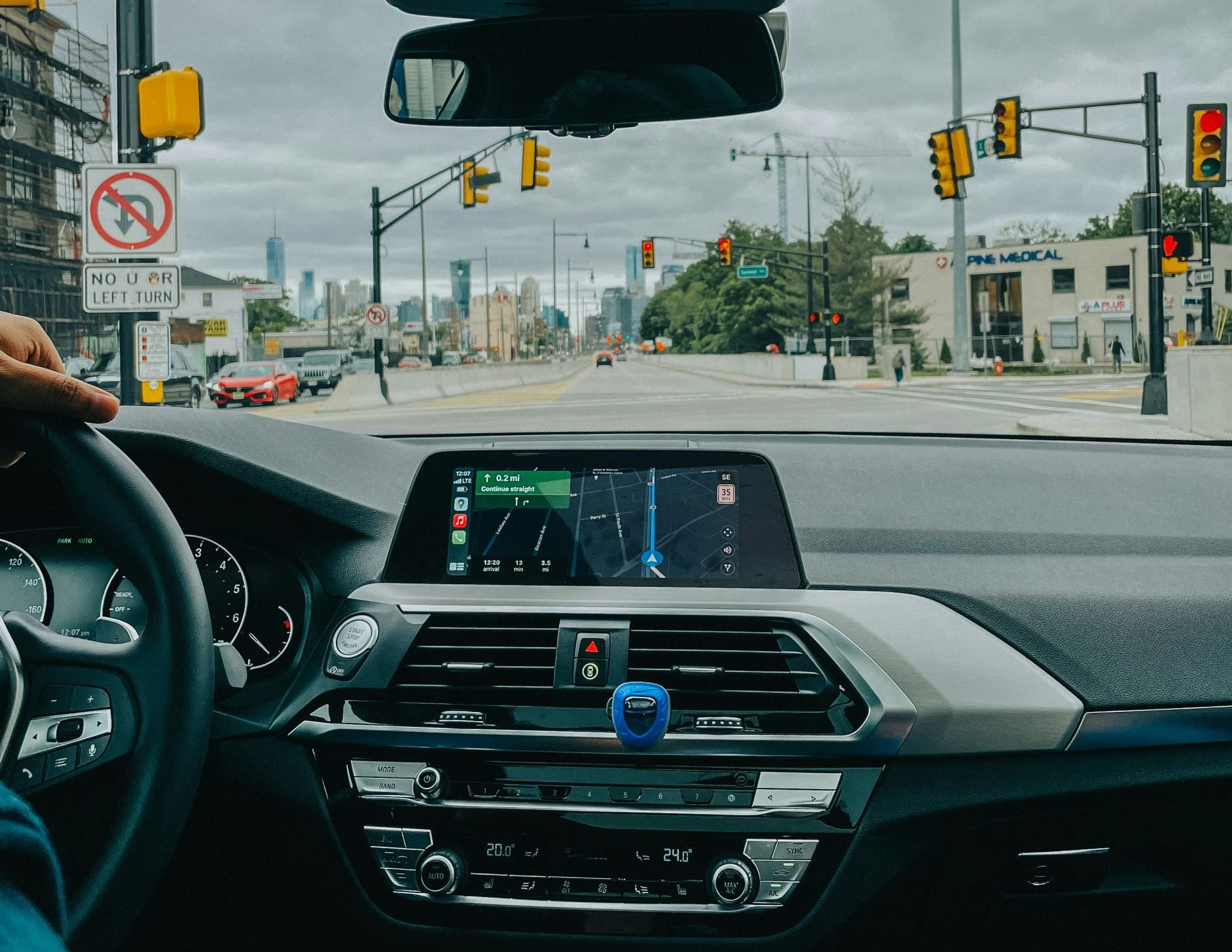
CarPlay works with iPhone and focuses on a clean, familiar iOS-style interface with Siri voice control and apps like Maps, Messages, and Music (plus supported third-party apps).

Android Auto
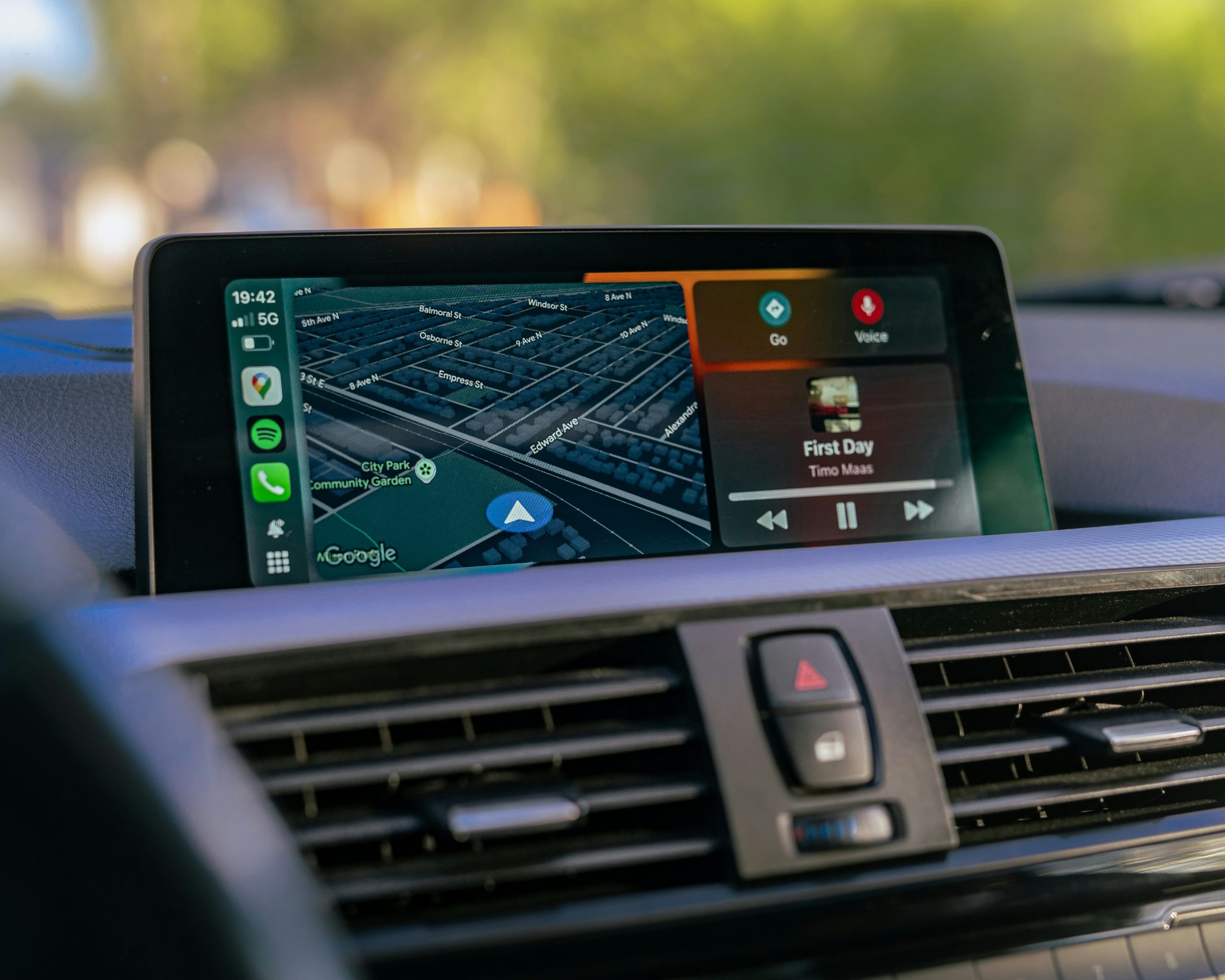
Android Auto works with Android phones and centers around Google services, Google Assistant, and a more dynamic interface that can surface helpful suggestions while driving.
Key Differences Between CarPlay and Android Auto
Compatibility and Wireless Support
CarPlay: iPhone only
Android Auto: Android only
Many cars support both, but your phone decides which one you use. Wireless support depends on your vehicle; older systems often require a cable unless you upgrade with hardware.
Interface and User Experience
CarPlay: simple grid-style layout for low distraction
Android Auto: more flexible and suggestion-driven
Navigation, Voice, and Apps
Both support major maps and media apps, but the default ecosystem differs:
CarPlay: Apple Maps + Siri + iMessage-first experience
Android Auto: Google Maps + Google Assistant + Google services-first experience
When CarPlay Is the Better Choice
use an iPhone daily
rely on iMessage, Apple Music, Siri, or Apple Maps
prefer a clean interface that feels consistent every drive
When Android Auto Is the Better Choice
use Google Maps, Gmail, Google Calendar, or YouTube Music frequently
want stronger Google Assistant features
like a more customizable, recommendation-style interface
CarPlay vs Android Auto

| Feature | Apple CarPlay | Android Auto |
| Phone support | iPhone only | Android only |
| Voice assistant | Siri | Google Assistant |
| Default maps | Apple Maps | Google Maps |
| Interface style | Clean, grid icons | Dynamic, flexible |
| Best for | Apple ecosystem | Google ecosystem |
Ottocast Upgrades: Go Wireless Without Replacing Your Screen
If your vehicle already has wired CarPlay, Ottocast lets you upgrade to a cleaner, more modern setup with minimal effort—no head unit replacement required.
Wireless CarPlay Adapter
Best if you want a simple cable-free upgrade. Plug the Mini Pico into your CarPlay USB port, pair once, and your system will auto-connect wirelessly on future
CarPlay AI Box
Best if you want more than standard CarPlay. The OttoAibox P3 Pro works with vehicles that already support wired CarPlay and adds an Android-based experience on your factory screen, giving you broader app access and a more flexible interface while still keeping your original display.
Which Upgrade Should You Buy?
| Your Current Car Setup | Your Goal | Best Ottocast-Type Solution |
| Wired CarPlay | Remove cables | Wireless CarPlay adapter |
| Wired CarPlay | More apps & flexibility | CarPlay AI box |
| No CarPlay at all | Add CarPlay | Aftermarket head unit (not a dongle) |
FAQ
Is CarPlay better than Android Auto?
Neither is universally better. CarPlay is best for iPhone users; Android Auto is best for Android users and those deeply invested in Google services.
Can I use both systems in the same car?
Many cars support both, but you’ll use CarPlay with iPhone and Android Auto with Android.
How do I get wireless CarPlay if my car is wired-only?
Use a wireless CarPlay adapter that converts wired CarPlay to wireless without replacing the head unit.
What’s the difference between a wireless adapter and an AI box?
A wireless adapter focuses on cable-free CarPlay/Android Auto. An AI box adds a more flexible Android-based environment with broader app access.
Should I replace my head unit instead?
Only if your car has no CarPlay support at all. If you already have wired CarPlay, adapters/AI boxes are usually the simpler upgrade.
-

-

-

-

-

-